How to photograph jewelry at home
Professional jewelry photos without the studio
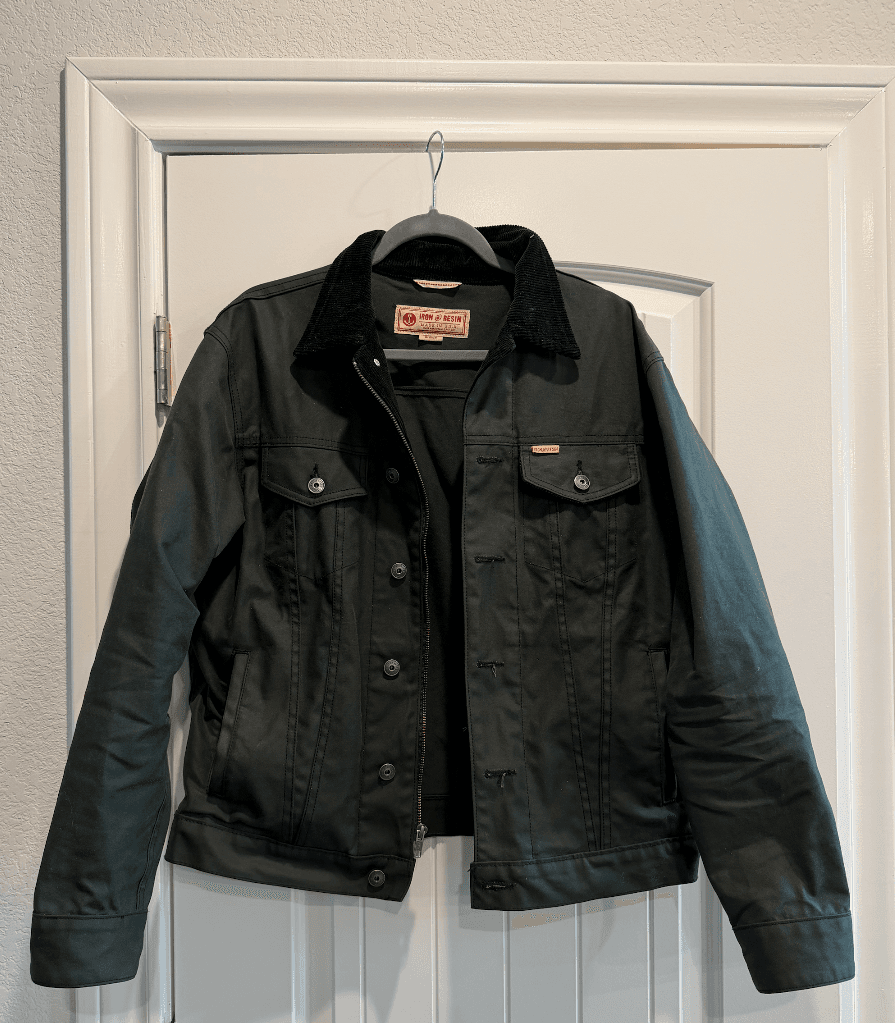
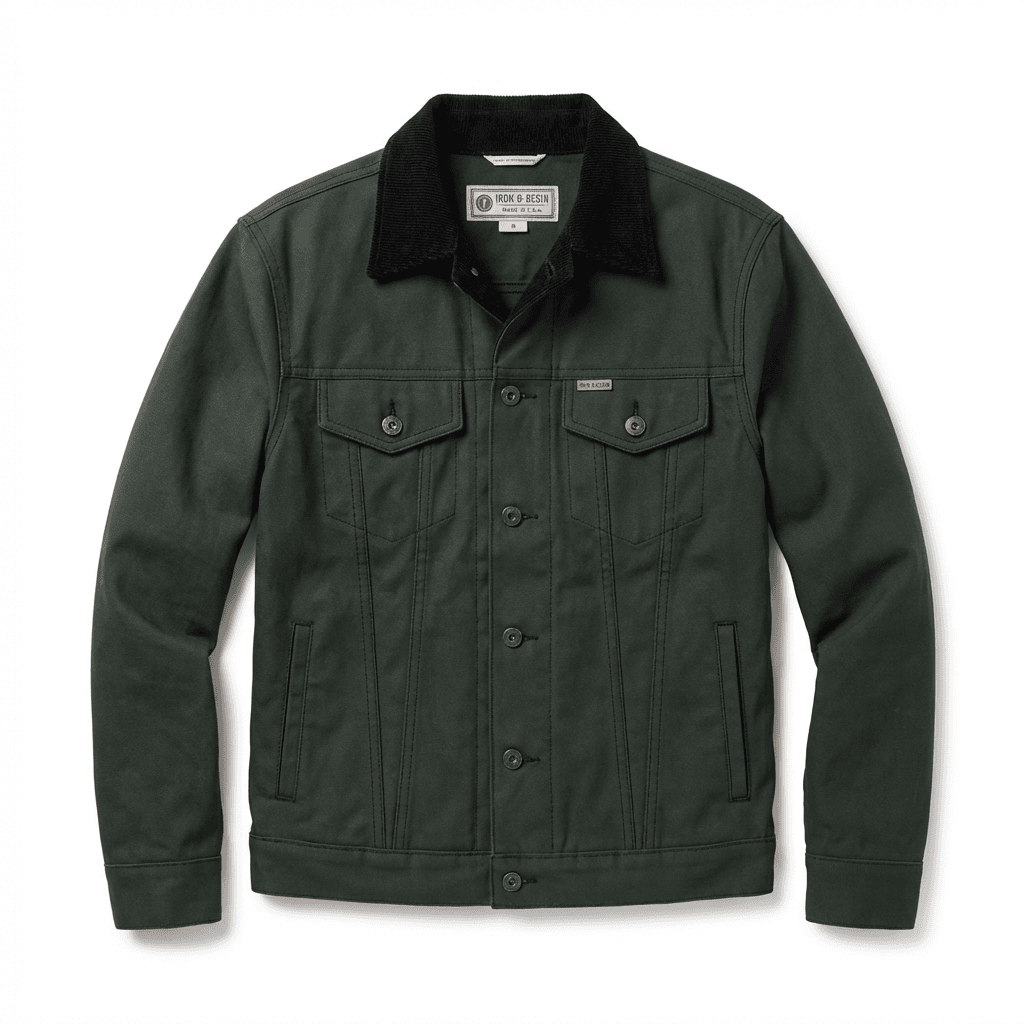
Transform your product photos with AI-powered studio white photography.
What you'll need
- Camera or smartphone with macro capability
- White foam board or seamless paper
- Desk lamp or natural window light
- Ring holder or poster putty
- Diffusion material (tissue paper or shower curtain)
Step-by-step guide
Set up your shooting area
Find a spot near a window for natural light or set up your desk lamp. Place white foam board as your background and use another piece to bounce light back onto your jewelry.
Prepare your jewelry
Clean your pieces thoroughly with a polishing cloth. Fingerprints and dust are magnified in close-up photos and ruin otherwise good shots.
Position your piece
Use ring holders, poster putty, or fishing line to position jewelry at the best angle. Rings look best at a slight tilt, necklaces laid flat or on a bust.
Control reflections
Surround your jewelry with white cards to create even reflections. For highly reflective pieces, create a tent using diffusion material.
Capture multiple angles
Take shots from straight on, at 45 degrees, and from above. Include detail shots of settings, clasps, and hallmarks.
Pro tips
Use a tripod and remote shutter to eliminate camera shake
Shoot in RAW format for better editing flexibility
Take more photos than you need - storage is cheap, reshoots are not
Use a polarizing filter to control unwanted reflections
Common mistakes to avoid
Using direct harsh light that creates hot spots on metal
Forgetting to clean jewelry before shooting
Not including scale reference for small pieces
Recommended photo styles
The easier way: AI product photography
While these manual techniques work great, AI can achieve professional results in seconds. Upload your product photo and let AI handle the lighting, backgrounds, and styling automatically.
Try AI product photographyFrequently asked questions
What camera settings work best for jewelry?
Use a small aperture (f/8-f/11) for depth of field, low ISO (100-400), and a tripod with slow shutter speed. Enable macro mode on smartphones.
How do I photograph shiny jewelry without reflections?
Create a light tent using diffusion material and surround the piece with white cards. This creates soft, even lighting without harsh reflections.
Can I use my iPhone for jewelry photography?
Yes, modern iPhones have excellent macro capabilities. Use Portrait mode for depth of field effects and shoot in good lighting conditions.
Related guides
Related resources
Ready to create professional photos?
Skip the setup and create stunning product photos with AI. Start with 3 free credits.
Start creating free