How to photograph small products
Big impact from tiny products
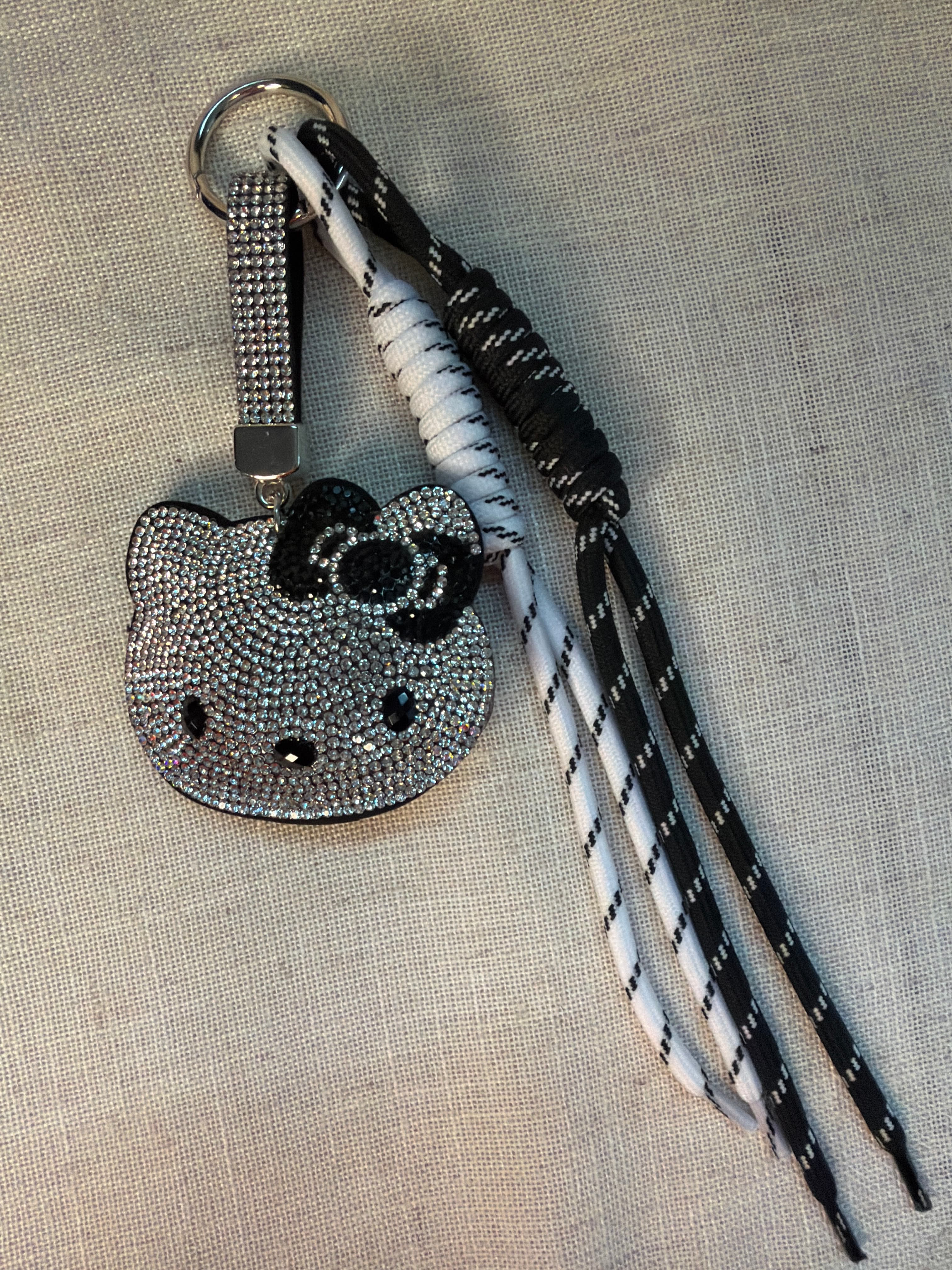
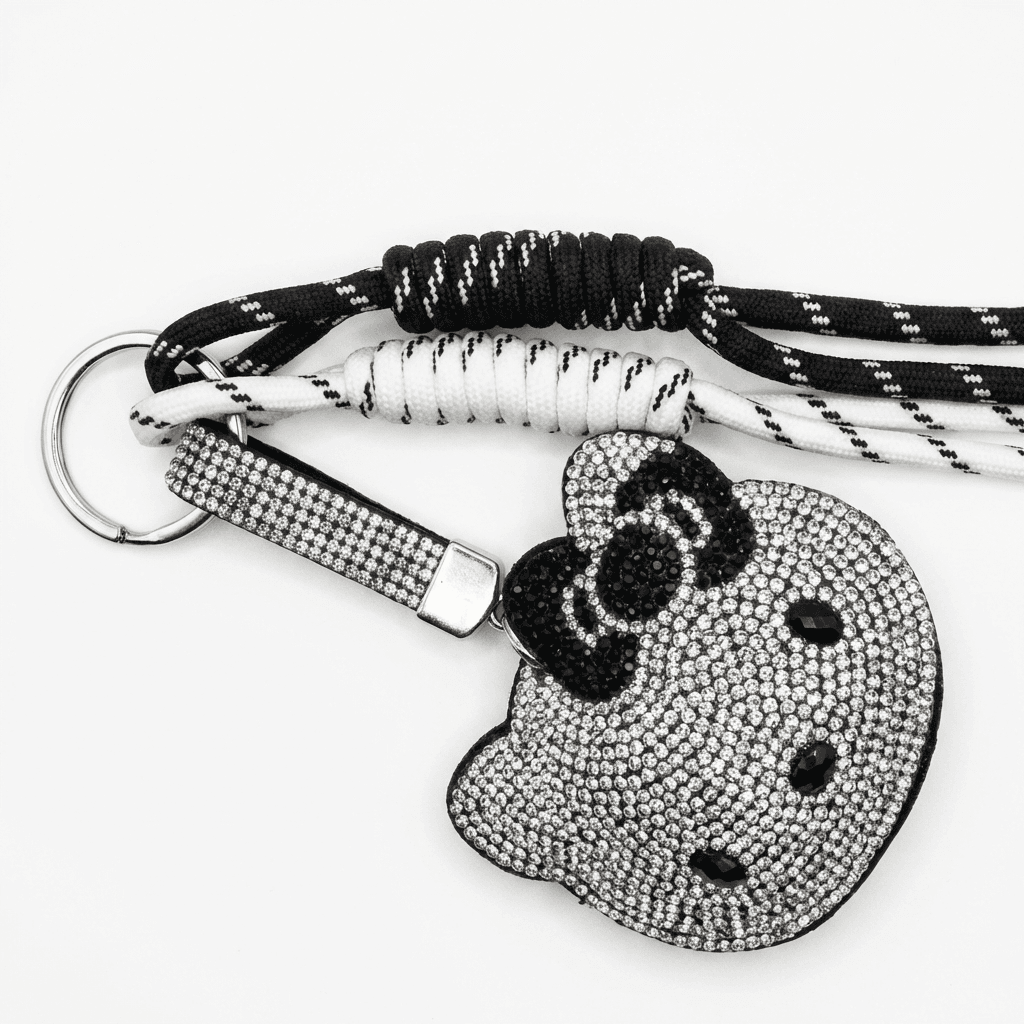
Transform your product photos with AI-powered studio white photography.
What you'll need
- Macro lens or close-up filters
- Tripod with fine adjustment head
- Small diffused light sources
- Backgrounds and props at appropriate scale
- Focus stacking software (optional)
Step-by-step guide
Choose the right lens
A true macro lens offers 1:1 magnification. Alternatively, use extension tubes, close-up filters, or reverse lens mounting for affordable macro capability.
Stabilize everything
At macro distances, the smallest movement causes blur. Use a sturdy tripod, remote shutter release, and mirror lockup if available.
Light for scale
Use small, precisely positioned lights. Large softboxes that work well for bigger products may be too broad for tiny items. LED panels and small diffusers work well.
Manage depth of field
Depth of field is extremely shallow in macro. Use f/11-f/16 for more sharpness, or embrace shallow focus for artistic effect. Consider focus stacking for full sharpness.
Include scale reference
Small products need context. Include a familiar object for scale or clearly state dimensions. Buyers need to understand actual size.
Pro tips
Focus stack multiple images for front-to-back sharpness
Use a focusing rail for precise adjustment at macro distances
Clean products with compressed air and microfiber before shooting
Shoot at base ISO to maximize detail and minimize noise
Common mistakes to avoid
Not providing scale reference in at least one image
Using apertures wider than f/8 where depth of field is critical
Hand-holding at macro distances
Recommended photo styles
The easier way: AI product photography
While these manual techniques work great, AI can achieve professional results in seconds. Upload your product photo and let AI handle the lighting, backgrounds, and styling automatically.
Try AI product photographyFrequently asked questions
Can I do macro photography with a smartphone?
Modern smartphones have excellent macro modes. iPhone 13 Pro+ and recent Android flagships can capture impressive close-up detail.
What is focus stacking?
Focus stacking combines multiple images focused at different points to create one image with extended depth of field. Software like Photoshop or Helicon Focus automates this.
How close can I focus for small products?
A 1:1 macro lens focuses close enough that the image on the sensor is the same size as the actual object. For smaller items, consider focus stacking or higher magnification options.
Related guides
Related resources
Ready to create professional photos?
Skip the setup and create stunning product photos with AI. Start with 3 free credits.
Start creating free