How to photograph artwork and prints
True-to-life art reproduction
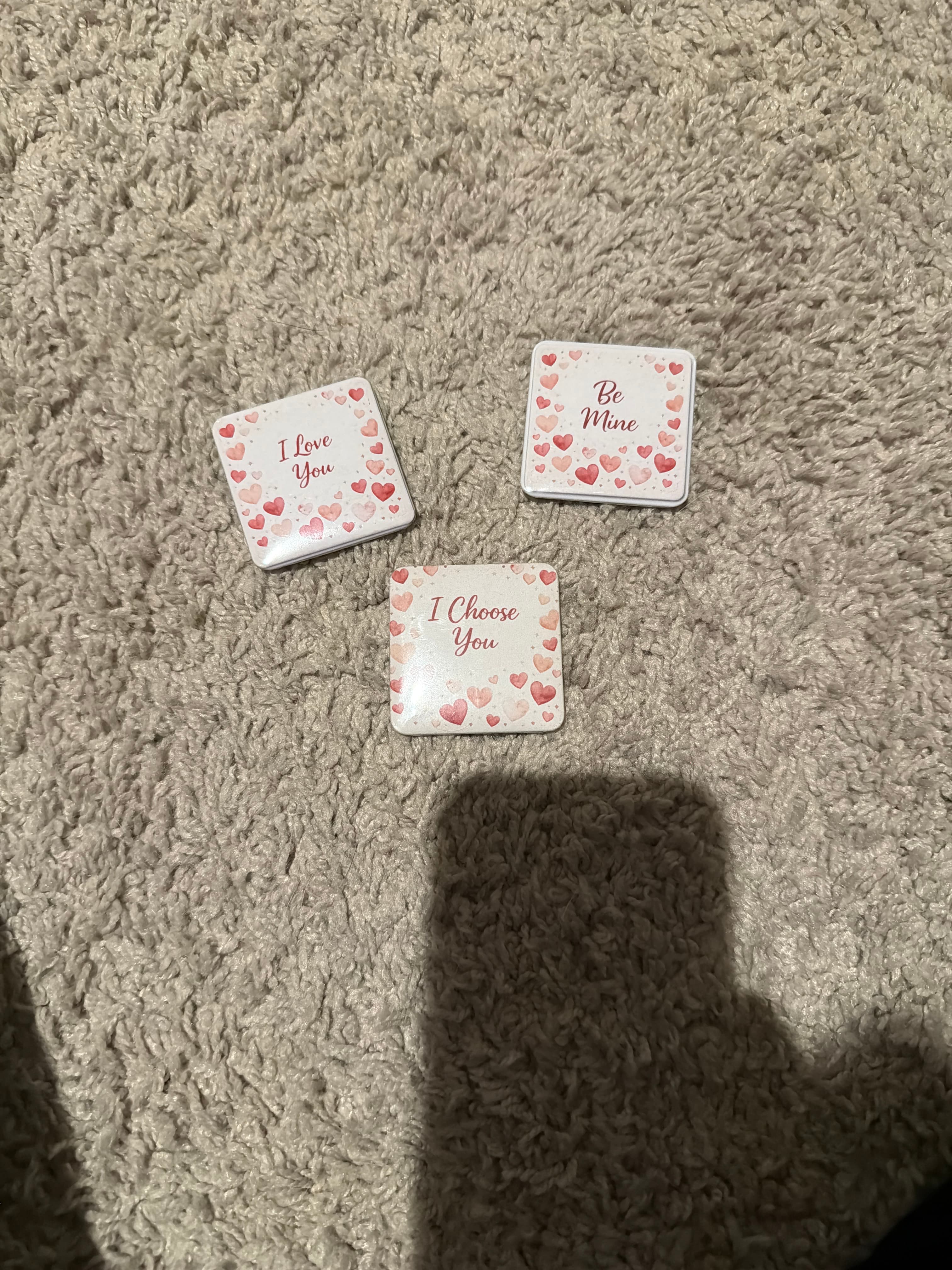
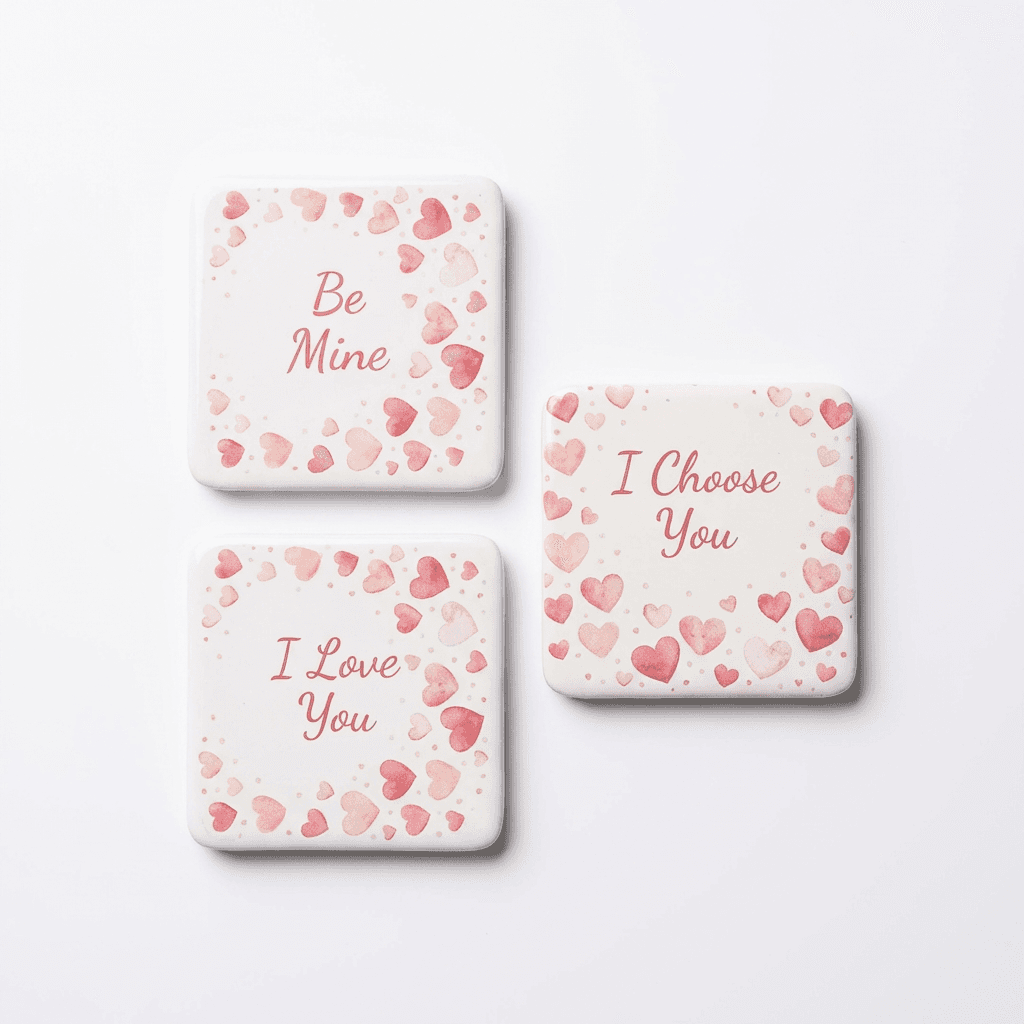
Transform your product photos with AI-powered studio white photography.
What you'll need
- Copy stand or wall mounting system
- Two matched light sources at 45 degrees
- Color calibration card
- Level and measuring tools
- Optional: polarizing filters
Step-by-step guide
Mount the artwork flat
Secure artwork perfectly flat and parallel to the camera sensor. Any tilt creates keystone distortion that's difficult to correct.
Position lights at 45 degrees
Place two identical lights at 45-degree angles, equidistant from the artwork. This eliminates glare while providing even illumination.
Ensure even lighting
Use a light meter or test shot to verify even illumination across the entire piece. Corners should match the center in brightness.
Calibrate color
Include a color calibration card in your reference shot. Use this to adjust white balance and color accuracy in post-processing.
Capture at highest quality
Shoot in RAW at base ISO. Use a tripod and remote shutter. Stop down to f/8-f/11 for sharpness across the frame.
Pro tips
Cross-polarization (polarizers on lights and lens) eliminates all glare
For textured artwork, angled light can reveal surface texture
Include a ruler in reference shots for accurate sizing
Check for glass glare if artwork is framed
Common mistakes to avoid
Camera not parallel to artwork causing distortion
Uneven lighting creating hot spots or shadows
Not calibrating color for accurate reproduction
Recommended photo styles
The easier way: AI product photography
While these manual techniques work great, AI can achieve professional results in seconds. Upload your product photo and let AI handle the lighting, backgrounds, and styling automatically.
Try AI product photographyFrequently asked questions
How do I photograph artwork behind glass?
Use polarizing filters on both lights and camera lens (cross-polarization). Or position lights and camera to avoid capturing reflections.
What resolution should artwork photos be?
For reproduction or print sales, capture at maximum resolution. Prints need 300 DPI at final size. Web only needs 72 DPI.
How do I correct keystone distortion?
Best avoided by careful alignment. If needed, use perspective correction in Lightroom/Photoshop. Some detail is lost in correction.
Related guides
Related resources
Photography styles
Ready to create professional photos?
Skip the setup and create stunning product photos with AI. Start with 3 free credits.
Start creating free