AI background removal vs Photoshop
Instant AI vs manual mastery

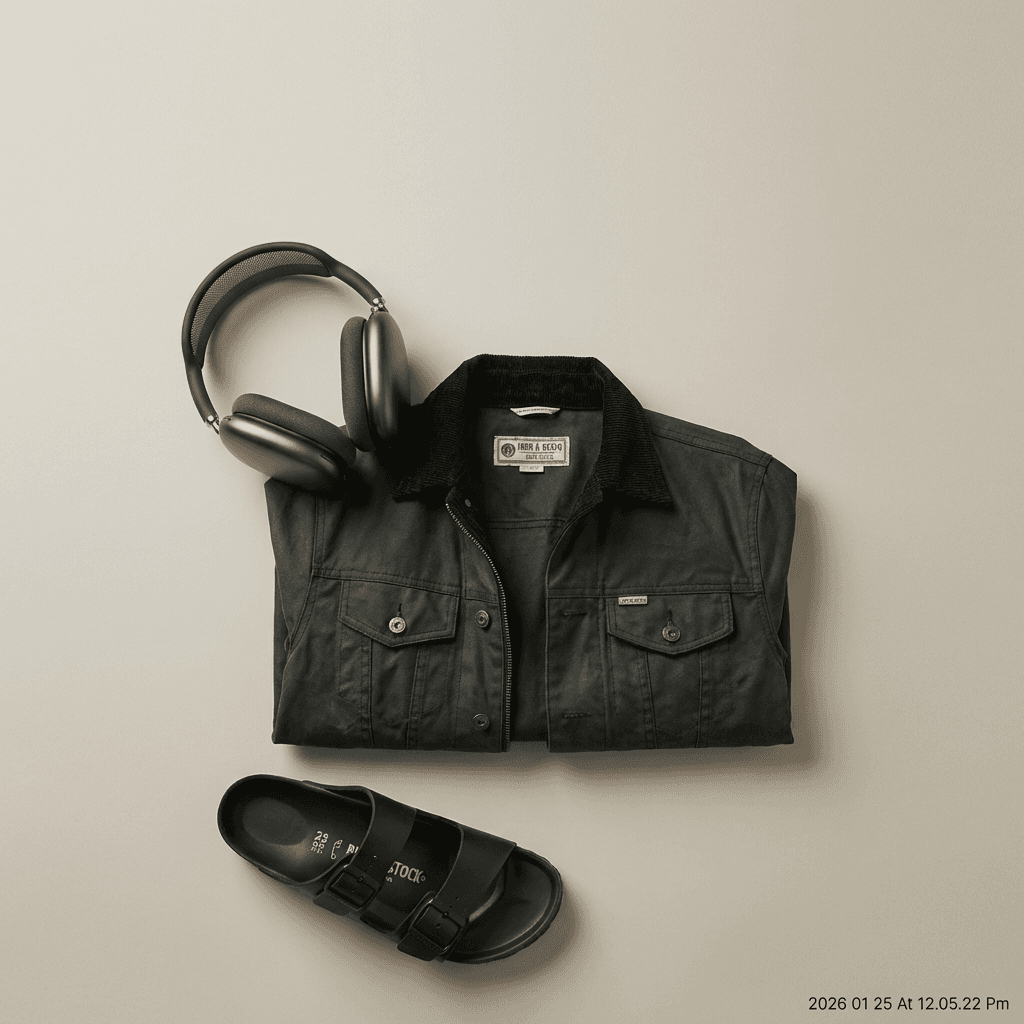
Transform your product photos with AI-powered minimalist photography.
Compare AI background removal with manual Photoshop editing for product photos.
Head-to-head comparison
| Feature | Option A | Option B |
|---|---|---|
| Time per image | Seconds | 5-30 minutes |
| Skill required | None | Advanced Photoshop |
| Software cost | Per-image pricing | $23/month subscription |
| Edge quality | Excellent for most products | Perfect with skill |
| Complex selections | Handles most cases | Unlimited precision |
Key benefits
No design skills needed
Dramatically faster workflow
No expensive software subscription
Consistent results without fatigue
Goes beyond removal to full scenes
Honest limitations
Edge cases may need manual touch-up
Less control for complex hair/fur
Ideal use cases
- Sellers without Photoshop skills
- High-volume needs where speed matters
- Those wanting to avoid software subscriptions
- Quick turnaround listings
Recommended photo styles
See which option works best for you
Upload your product photo and see professional results in under 2 minutes. No credit card required to start.
Try it freeFrequently asked questions
Is AI background removal as good as Photoshop?
For most products with clean edges, AI matches or exceeds manual quality. Complex items like jewelry with fine detail may occasionally need touch-up.
When should I use Photoshop instead?
For extremely complex selections, heavy retouching, or when you need pixel-perfect control over every edge. Most sellers find AI sufficient.
Related comparisons
Ready to create professional product photos?
Join thousands of sellers using AI to create stunning product photos. Start with 3 free credits.
Start creating free