How to photograph white products
Keep whites white while showing every detail
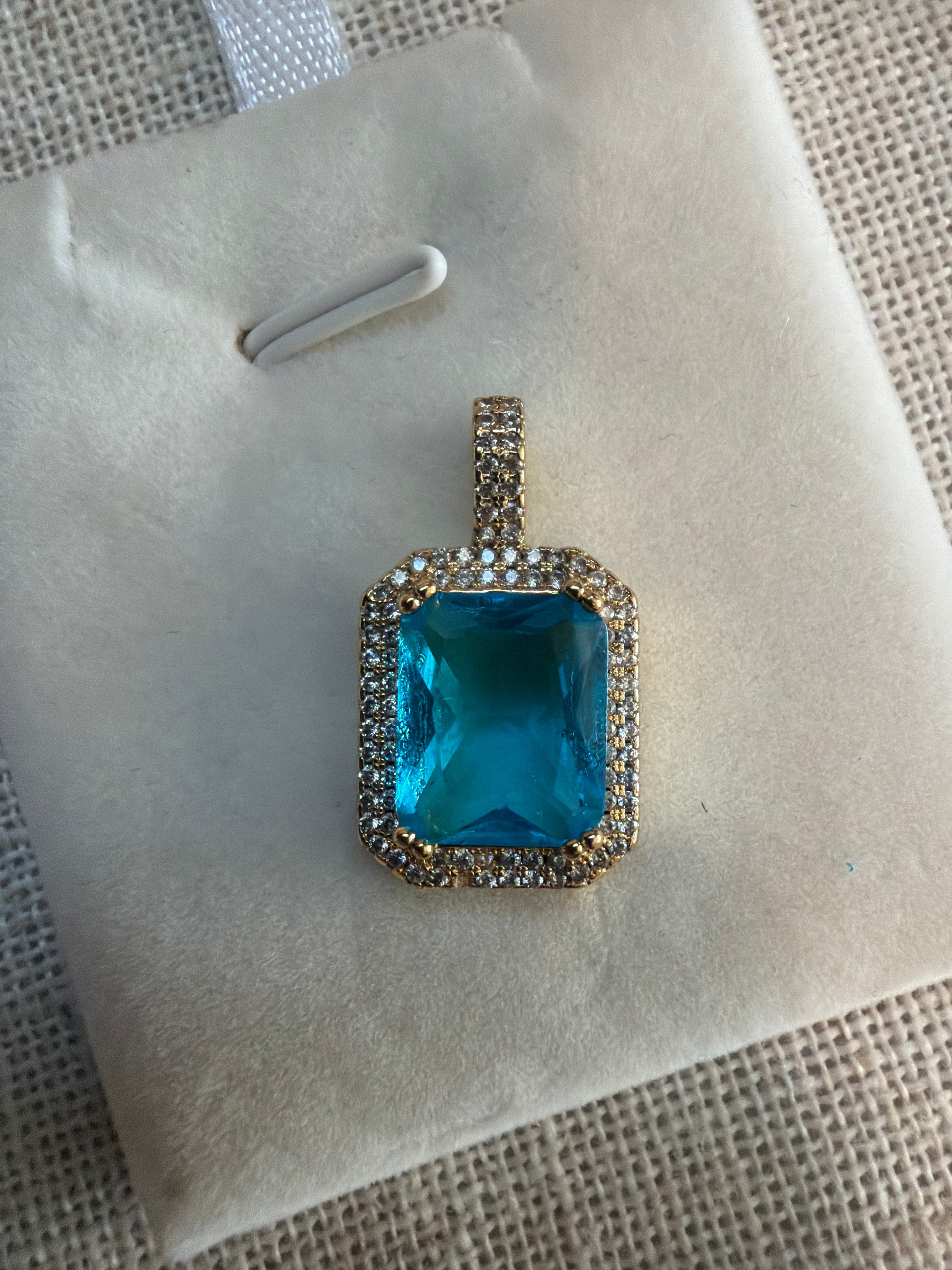
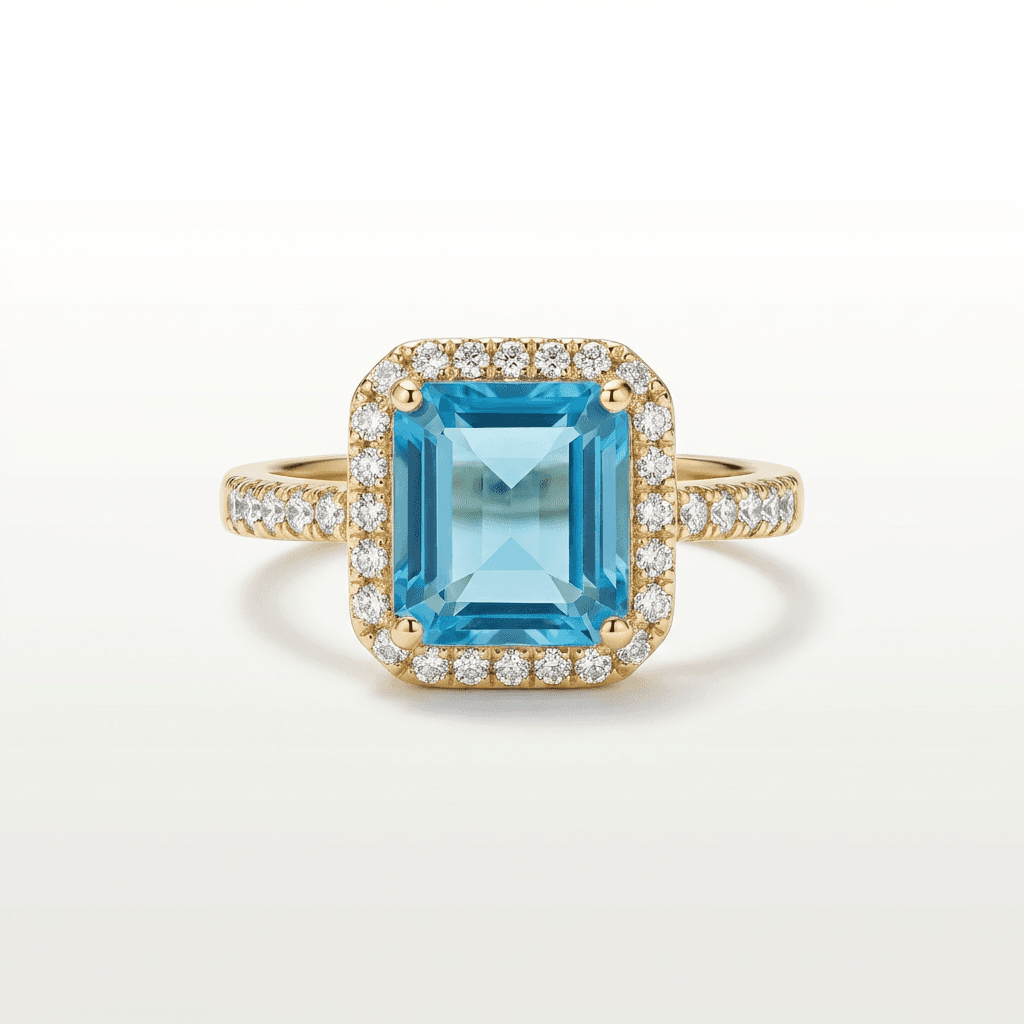
Transform your product photos with AI-powered minimalist photography.
What you'll need
- Soft, diffused lighting
- Gray or off-white backgrounds
- Reflectors for fill
- Gray card for exposure reference
- RAW shooting capability
Step-by-step guide
Consider your background carefully
White product on white background can create a floating, ethereal look but makes edge definition difficult. Gray backgrounds often work better for showing product boundaries.
Use soft, even lighting
Hard light creates harsh shadows and specular highlights that blow out on white surfaces. Large diffused sources create gentle gradients that show texture.
Underexpose slightly
Expose for the white product, not the overall scene. Reduce exposure by 1-2 stops from meter reading to maintain detail in the brightest areas.
Create shadow definition
Use flags or subtract light from certain areas to create subtle shadows. These shadows define form and prevent the flat, blown-out look.
Check highlights in post
Review the RGB values of your white areas. Pure white (255,255,255) loses all detail. Aim for 240-250 in the brightest detailed areas.
Pro tips
Shoot RAW to preserve maximum highlight recovery in post-processing
Use the histogram religiously - watch for right-edge clipping
Add subtle shadows or light gradients to define edges and form
Consider a very light gray background that reads as white but shows product edges
Common mistakes to avoid
Trusting the camera meter which overexposes white subjects
Creating completely flat lighting with no shadow definition
Not checking RGB values for blown highlights
Recommended photo styles
The easier way: AI product photography
While these manual techniques work great, AI can achieve professional results in seconds. Upload your product photo and let AI handle the lighting, backgrounds, and styling automatically.
Try AI product photographyFrequently asked questions
Why do my white products look gray in photos?
Camera meters target middle gray. For white products, add 1-2 stops of exposure compensation (+EV) while watching for blown highlights.
How do I photograph white on white backgrounds?
Light the product and background separately. The background should be slightly brighter. Use subtle shadows on the product to define edges.
Should I use a flash for white products?
Use flash only through large diffusers. Direct flash creates harsh highlights that blow out white surfaces immediately.
Related guides
Related resources
Photography styles
Ready to create professional photos?
Skip the setup and create stunning product photos with AI. Start with 3 free credits.
Start creating free