How to photograph products for Instagram
Stop the scroll with stunning product shots
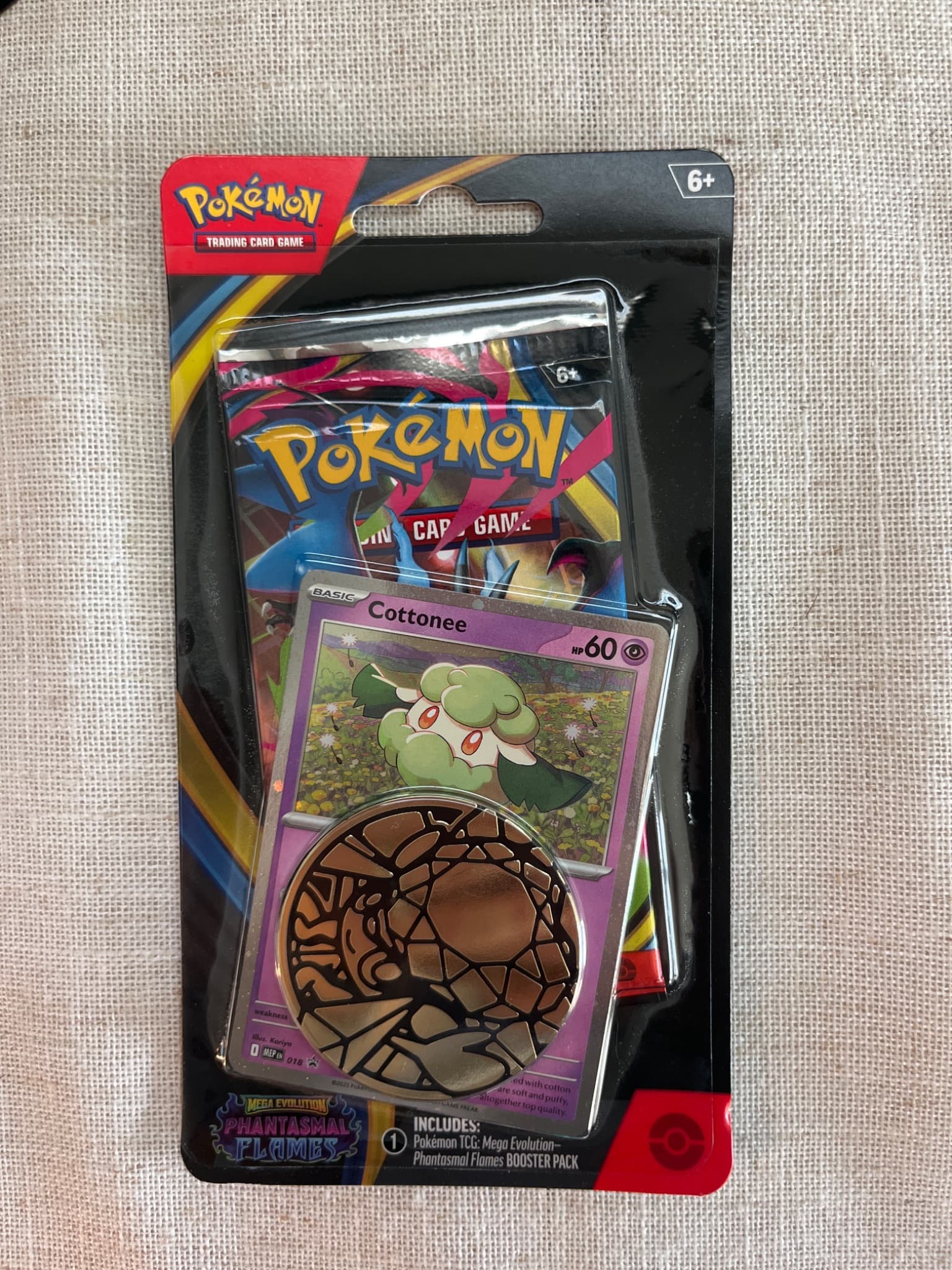
Transform your product photos with AI-powered minimalist photography.
What you'll need
- Smartphone or camera
- Good lighting (natural or artificial)
- Props and backgrounds
- Photo editing apps
- Understanding of your brand aesthetic
Step-by-step guide
Define your visual style
Successful Instagram product accounts have consistent aesthetics. Choose your color palette, lighting style, and visual approach before shooting.
Optimize for the format
Instagram favors square (1:1) and portrait (4:5) images. Portrait takes more screen space in the feed. Plan compositions for these aspect ratios.
Create lifestyle context
Pure product shots work for catalogs, but Instagram audiences respond to lifestyle imagery. Show products in use, styled scenes, or real-world contexts.
Light for engagement
Bright, clean lighting performs best. Natural window light creates the authentic aesthetic Instagram users prefer. Avoid harsh shadows unless intentional.
Edit consistently
Use the same editing presets across your content for cohesive feed appearance. Maintain consistent brightness, contrast, and color treatment.
Pro tips
Create content batches in single sessions for consistent lighting
User-generated content often outperforms polished studio shots
Test carousel posts with different angles or product features
Save editing presets for consistent look across all posts
Common mistakes to avoid
Inconsistent visual style that breaks feed cohesion
Over-editing with heavy filters that look artificial
Only posting product shots without lifestyle context
Recommended photo styles
The easier way: AI product photography
While these manual techniques work great, AI can achieve professional results in seconds. Upload your product photo and let AI handle the lighting, backgrounds, and styling automatically.
Try AI product photographyFrequently asked questions
What aspect ratio is best for Instagram product photos?
Portrait (4:5) takes maximum feed space. Square (1:1) is versatile. Landscape (1.91:1) is discouraged as it appears smaller in feeds.
Should I use Instagram filters on product photos?
Avoid heavy Instagram filters which can distort colors. Edit in dedicated apps and keep product colors accurate for customer trust.
How often should I post product content on Instagram?
Mix product posts with lifestyle content, user content, and brand storytelling. Pure product shots every day fatigues your audience.
Related guides
Related resources
Photography styles
Ready to create professional photos?
Skip the setup and create stunning product photos with AI. Start with 3 free credits.
Start creating free